Robotics

Replicate robot software on Raspberry Pi
Robotics

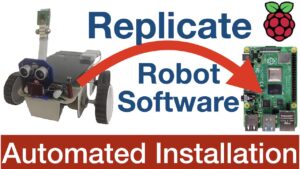
Replicate Earthrover Robot Software on your Raspberry Pi

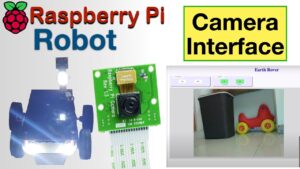
Install the complete Earthrover Robot software on your Raspberry Pi using the bash script introduced in this article. The bash script will install a Webserver, Tensorflow Lite & Coral Coral USB Accelerator Libraries, OpenCV and Robot software with AI functions such as Object Detection / Image classification with relevant ML models on your Raspberry Pi. All you need is a Raspberry Pi and a Picamera to embark this learning journey.
Human Following Raspberry Pi Robot - AI Robotics
Robotics

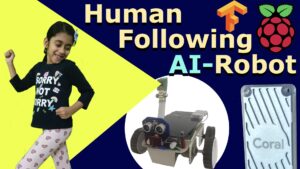
AI Robot – Human Following Robot using TensorFlow Lite on Raspberry Pi

The robot uses Object Detection ML model to detect a person in the camera frame. The model provides coordinate information of the person in the frame. The fun part is to write a Python code to use this information and move the robot in order to bring the person in the center of the frame. What you get as a result is a Human Following Robot. You will be amazed and satisfied when your robot follows you like a loving pet.

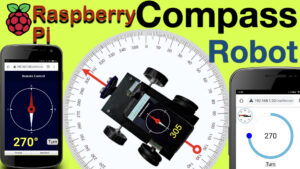
Compass Robot - Use your mobile as compass for this robot
Robotics

Compass Robot – Javascript Mobile Sensor Control

This project demonstrate how you can use a mobile phone as a compass and use it to control the robot’s direction precisely. The compass is created using javascript. Once the web page is loaded on the mobile browser, it captures the compass value and sends it to server.

Object Tracking with Raspberry Pi and Tensorflow Lite
Robotics

AI Robot – Object Tracking | Object following Robot using TensorFlow Lite

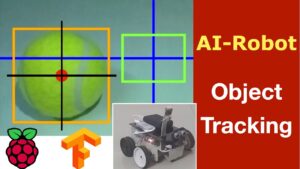
Learn how to use an Object Detection Model on a Raspberry Pi to track a particular object of interest. Monitor the Robot’s eye view on a browser and the whole tracking process in action by streaming the camera frame over the LAN using OpenCV and Flask. Learn to use Google Coral Accelerator to make the inferencing fast enough for Tracking requirements.

Web Controlled Robot
Robotics

Basic Robotics – Make Robot with Raspberry Pi | Web Controls

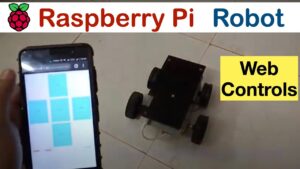
This Robot is built using Raspberry Pi model 3A+. The robot can be controlled through a Web Application running on the browser of a mobile phone or a laptop. The software is written in PHP, Javascript, HTML and Python. This article includes complete details of hardware components, connection diagram and source code.

Object Detection with Raspberry Pi and Tensorflow Lite
Robotics

AI Robot – Object Detection with TensorFlow Lite on Raspberry Pi | Live-Stream results on browser

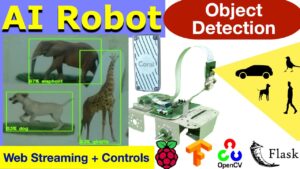
The robot makes use of a pre-trained Object Detection Machine Learning model to identify objects around it. It can receive commands through a Web GUI to check for a specific object in the camera frame. When the object is detected an alert is generated on the Web GUI. You can tweak the code to scare off dogs or cats and welcome a person using this robot. You will learn how to implement TensorFlow Lite, FLASK and OpenCV in the process.

Scroll to Top