Level 1
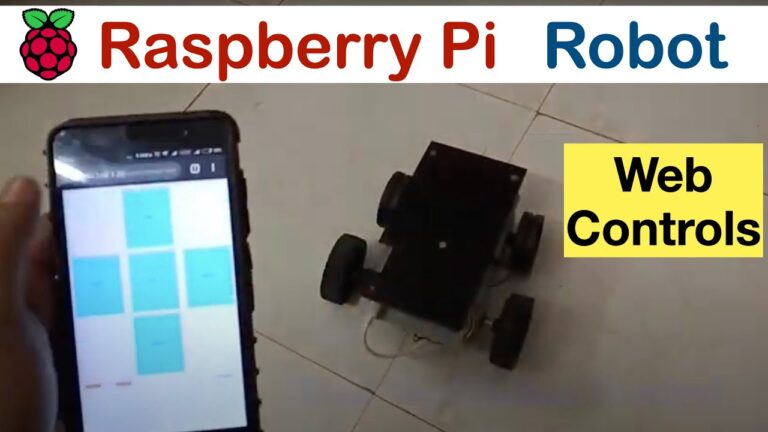
Web-controlled robot
The base robot: two motors, a Raspberry Pi and a control panel you drive from a browser on your phone.
needs Raspberry Pichassis + motorsL293D driver
One install script gets Earthrover's full software stack onto your Pi: manual web controls, JavaScript robotics, object detection & tracking, human following, gesture & voice control. Built so a curious student can go from zero to a working robot in an afternoon.
Each card is one project: a repository, the hardware it needs, and the write-ups that take you through it. Grouped by what has to be on your desk.
The rover, in four levels. Each level is its own repository and adds one layer to the same robot, so you can stop at any of them and still have something that drives.
Level 1
The base robot: two motors, a Raspberry Pi and a control panel you drive from a browser on your phone.
needs Raspberry Pichassis + motorsL293D driver
Level 2
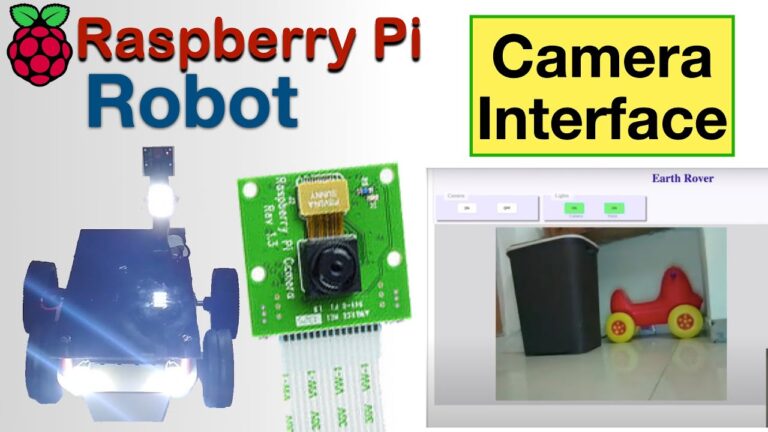
A live camera feed, switchable lights, an ultrasonic distance reading and a speaker, all on the same panel.
needs Level 1 robotPi cameraHC-SR04speaker
Level 3
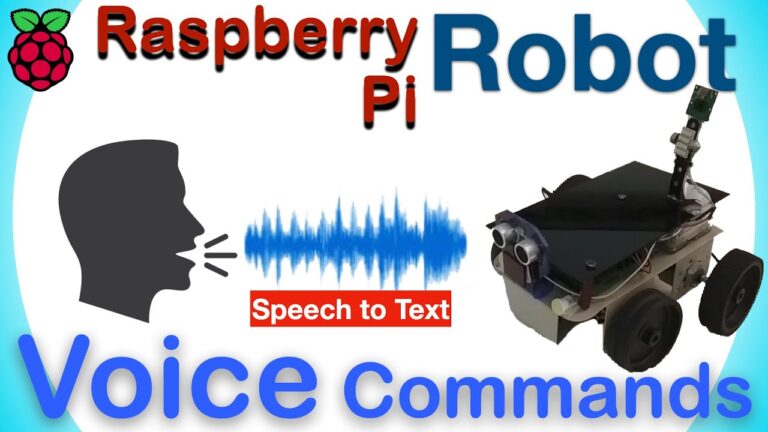
Browser APIs read the sensors already in your phone, so tilting it, speaking to it or pointing it steers the robot.
needs Level 2 robota smartphone
Level 4
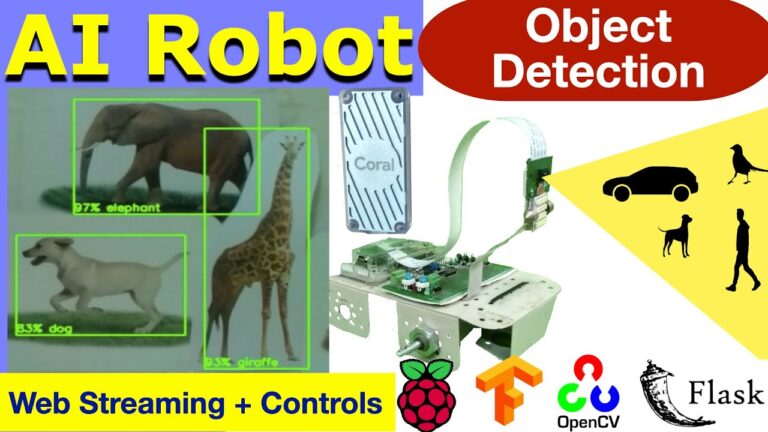
TensorFlow Lite models running on the robot itself, with optional Coral acceleration: it detects, tracks, follows and reads gestures.
needs Level 2 robotPi cameraCoral stick (optional)
Vision projects with no robot involved: what the models see, how fast they run, and how to train your own.
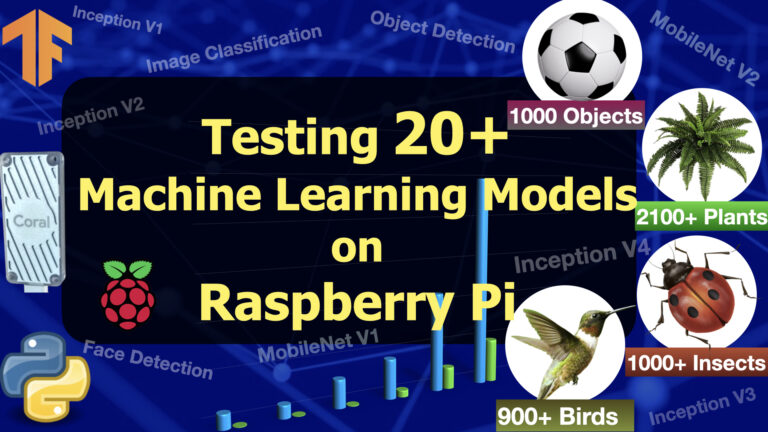
A bench for 20+ TensorFlow Lite models on one board: run them against the same camera feed and read the frame rate and inference time each one costs.
needs Raspberry PiPi cameraCoral stick (optional)
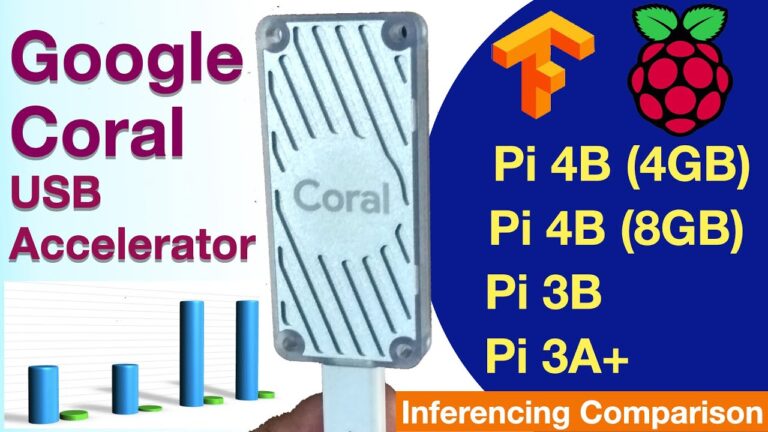
The same models measured with and without the accelerator across four Pi boards — 129 ms down to 4.5 ms on a Pi 4.
needs Raspberry PiCoral USB Accelerator
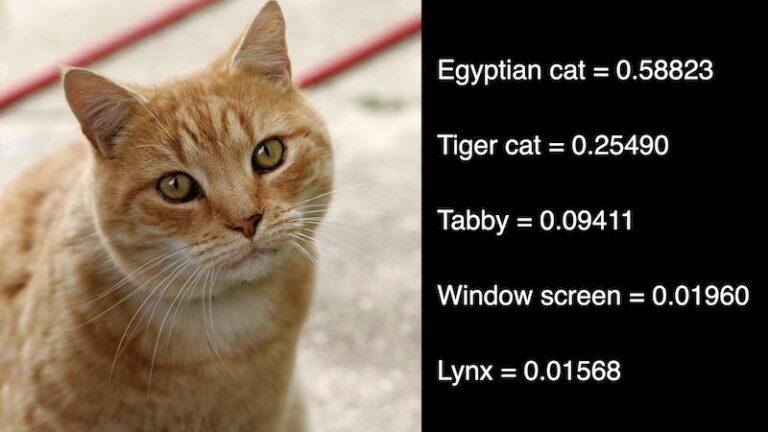
The smallest useful vision project: a model that names what the camera is pointed at, streamed to a browser.
needs Raspberry PiPi camera
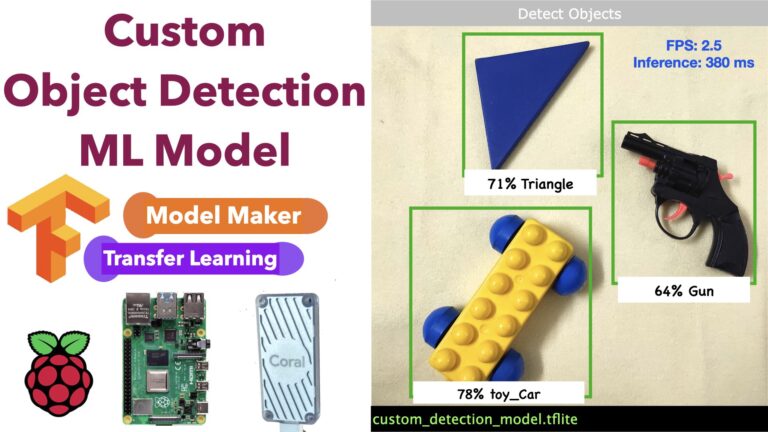
Collect and label your own images, train a detection model with TensorFlow Lite Model Maker, and run it on the board.
needs Raspberry PiPi cameraimages to label
A board reading the physical world and reporting it to a page you can open anywhere.
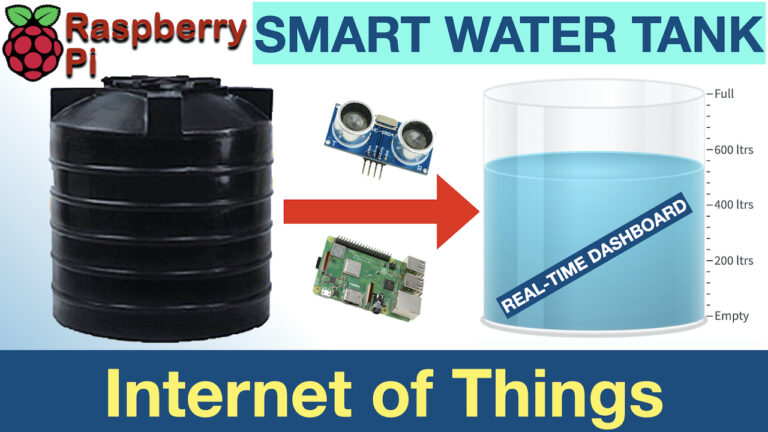
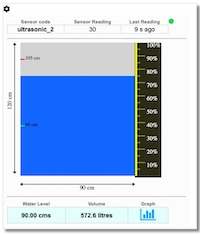
An ultrasonic sensor over a tank, reporting the level to a widget on this site in real time, with high and low alerts.
needs Raspberry PiHC-SR04 sensoran account here
Nothing but the board and a browser — GPIO, a camera if you have one, and the plumbing that carries the commands.
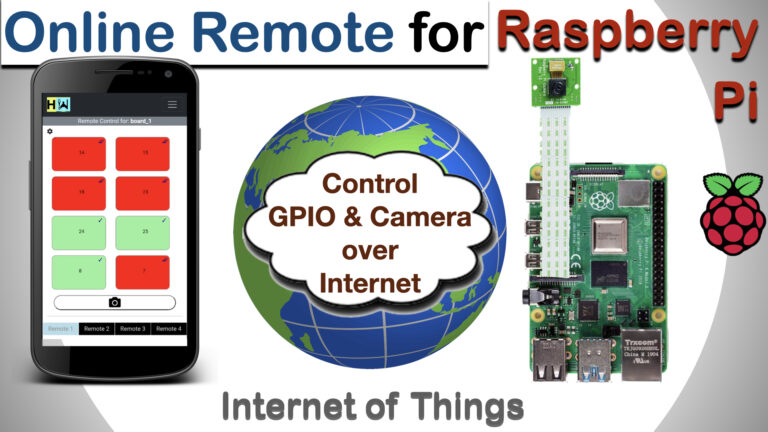
Pair the board with this site and switch its GPIO pins — and take camera stills — from any browser. No port forwarding.
needs Raspberry Pian account here
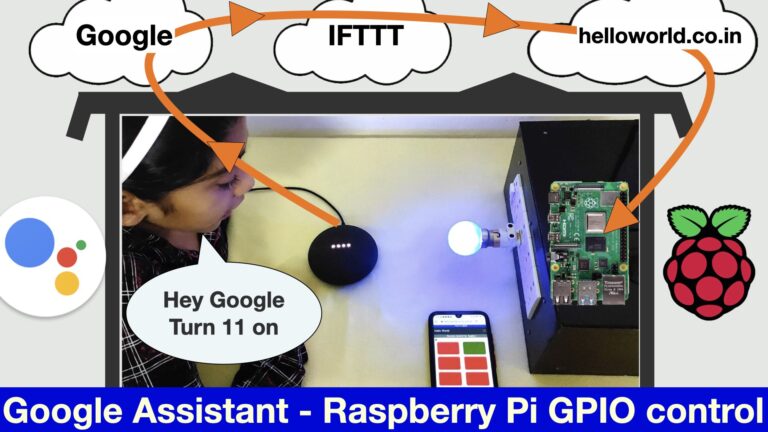
Speak to a Google Assistant and have a Raspberry Pi act on it, with IFTTT and a webhook in between — no app to write.
needs Raspberry PiGoogle accountIFTTT
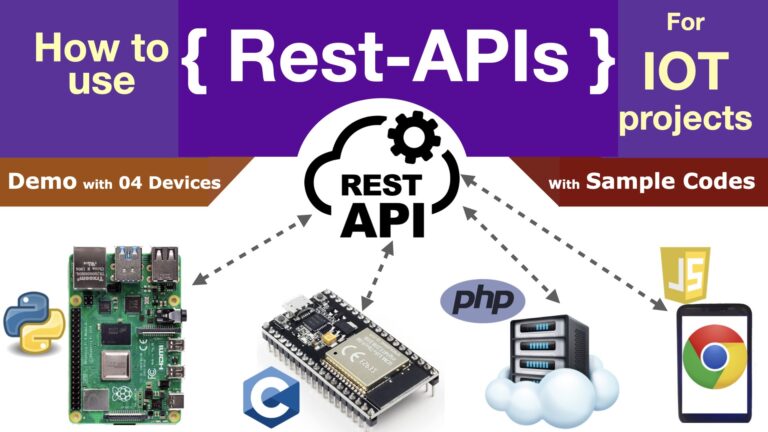
The plumbing every project above uses: REST calls between a Pi, an ESP32 and a web application, with working code on both ends.
needs Raspberry Pi or ESP32
Microcontroller projects: the same web control surface, and a message bus that lets several boards talk at once.
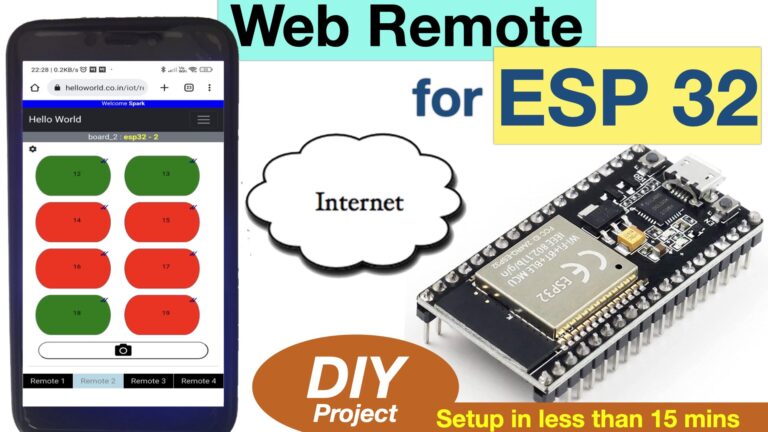
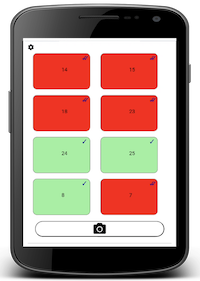
The same browser remote for a microcontroller: eight configurable GPIO buttons per board, up to four boards from one screen.
needs ESP32an account here
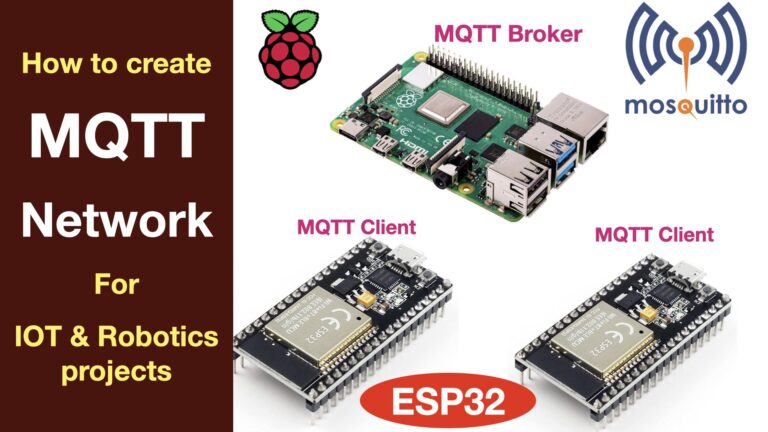
A publish-subscribe bus on the local network, so a Raspberry Pi and several ESP32 boards exchange messages without polling a server.
needs Raspberry Pione or more ESP32Mosquitto
Nothing matches that combination yet.
Questions, improvements and build reports are always welcome — whether a project worked, broke, or sparked an idea for the next one.
Get in touch